Visually hidden

v0.0.10

v0.0.10StableMobStatelessApache-2.0
Installation mix mishka.ui.gen.mob visually_hidden
Source View Source

The Mishka Chelekom Mob Visually Hidden component is the native port of the headless Visually Hidden, which hides content from the screen and keeps it for screen readers. On iOS and Android screens built with Mob it is the one component in the port that cannot do its job: it renders nothing.
Overview of the Mob Visually Hidden component for iOS and Android

On the web, this component hides content visually and leaves it in the accessibility tree. That is useful for extra labels, live region text and skip link content. The trick needs two things: a way to render a node without showing it, and a way for the platform's screen reader to read it anyway.

Mob has neither. No node type in the bridge has a semantics or accessibility label prop. The single exception is Image, whose description prop becomes a contentDescription on Android. So there is no node the component could return that TalkBack or VoiceOver would announce.

That leaves two options: render the content visibly, which is not what you asked for and would change the layout, or render nothing. The component renders nothing, as a zero-size Spacer. It accepts and drops its children, and announce?/0 returns false, so your code can branch on it instead of finding the empty node at runtime.

Generate the visually hidden component

Run this from your Mob app's root to add the component to lib/<app>/components/:

bash
mix mishka.ui.gen.mob visually_hidden

The generator registers the tag, so you can use it in ~MOB markup. The examples on this page use the mishka_ prefix of the showcase app (--module-prefix mishka_), so the module is <App>.Components.MishkaVisuallyHidden and the tag is <MishkaVisuallyHidden>. Without a prefix, the tag is <VisuallyHidden>.

Check whether hidden text can be announced

Call announce?/0 to find out whether hidden content can reach a screen reader on the current platform. It returns false today, so branch on it instead of assuming.

Check whether hidden text can be announced

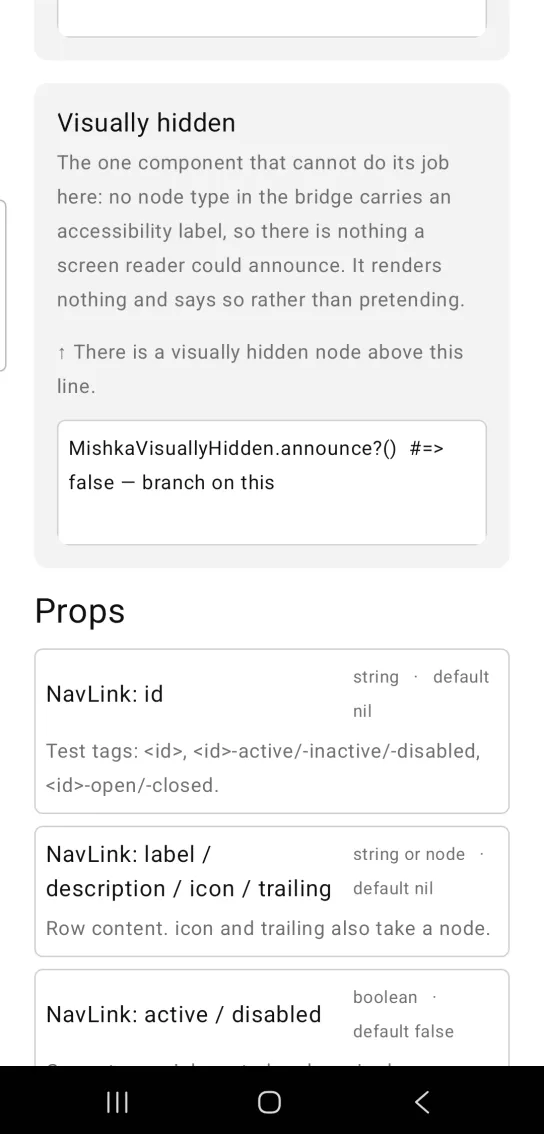
Visually hidden card: a gray note saying there is a visually hidden node above this line, with nothing drawn above it, then one line of code showing announce? returns false
elixir
MishkaVisuallyHidden.announce?()  #=> false — branch on this

What to do instead

  • Put the text in the visible label. A phone usually has room, and a visible label helps everyone.
  • For an icon-only control, use an Image with a description.
  • Mob.Speech can speak a string outright, which covers the live region case.

For Mob.Speech and Image, see the Mob documentation.

Props

The component ignores every prop. Its public API is the function below.

PropTypeDefaultDescription
announce?/0helperfalseWhether hidden text can reach a screen reader. It always returns false today.

Differences from the web component

The web component keeps its content in the accessibility tree while hiding it. The Mob component keeps nothing: it renders an empty node and drops its children.