Empty state
v0.0.10
mix mishka.ui.gen.mob empty_state
The Mob Empty State in Mishka Chelekom shows an indicator, a title, supporting text and optional actions when a list on an iOS or Android screen has nothing in it. It is the native port of the headless Empty State and runs on Mob.
Overview of the Mob Empty State component for iOS and Android
<MishkaEmptyState> draws an indicator (a glyph or emoji), a title, a description and a row of actions. Every part is optional.
align chooses the layout. :center, the default, puts the indicator above the text and fills a blank screen. :leading puts the indicator beside the text, so the empty state sits inside a card or a section without making the screen look broken.
Your screen owns the state. Show the empty state when the list is empty and the list when it has items. The component holds no state and sends no events of its own.
Three slot tags mirror the slots of the web component:
| Slot | Phoenix slot | Falls back to |
|---|---|---|
<MishkaEmptyStateIndicator> | <:indicator> | The indicator glyph prop. |
<MishkaEmptyStateActions> | <:actions> | The actions prop, a list of nodes. |
| Bare children | <:inner_block> | Nothing. They render after the description. |
The actions prop is there for buttons you build from data. When you give both, the slot wins. The component owns the actions row and spaces the buttons for you. Each action hugs its content, because the component sets fill_width to false on it unless you set that attribute yourself.
Generate the empty state component
Run this from your Mob app's root to add the component to lib/<app>/components/:
mix mishka.ui.gen.mob empty_stateThe generator registers the tag, so you can use it in ~MOB markup. The examples on this page use the mishka_ prefix of the showcase app (--module-prefix mishka_), so the tag is <MishkaEmptyState>. Without a prefix, the tag is <EmptyState>.
Centered empty state
The default :center layout puts the indicator above the title and the description. Use it when the empty state is the whole screen.
Centered empty state
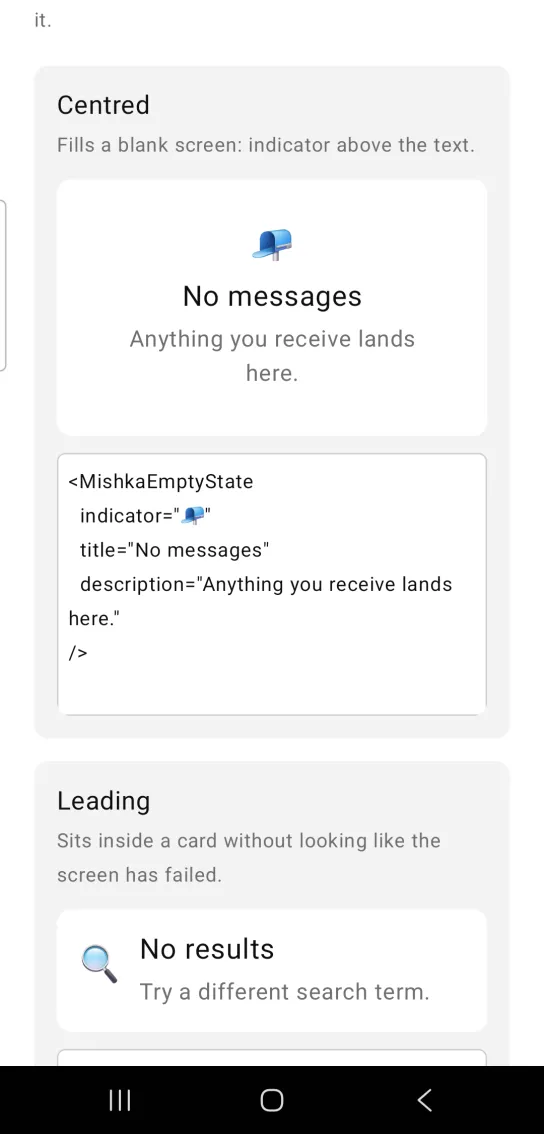
<MishkaEmptyState
  indicator="📭"
  title="No messages"
  description="Anything you receive lands here."
/>
Leading empty state
align={:leading} puts the indicator beside the text. This layout sits inside a card without looking like the screen has failed.
Leading empty state
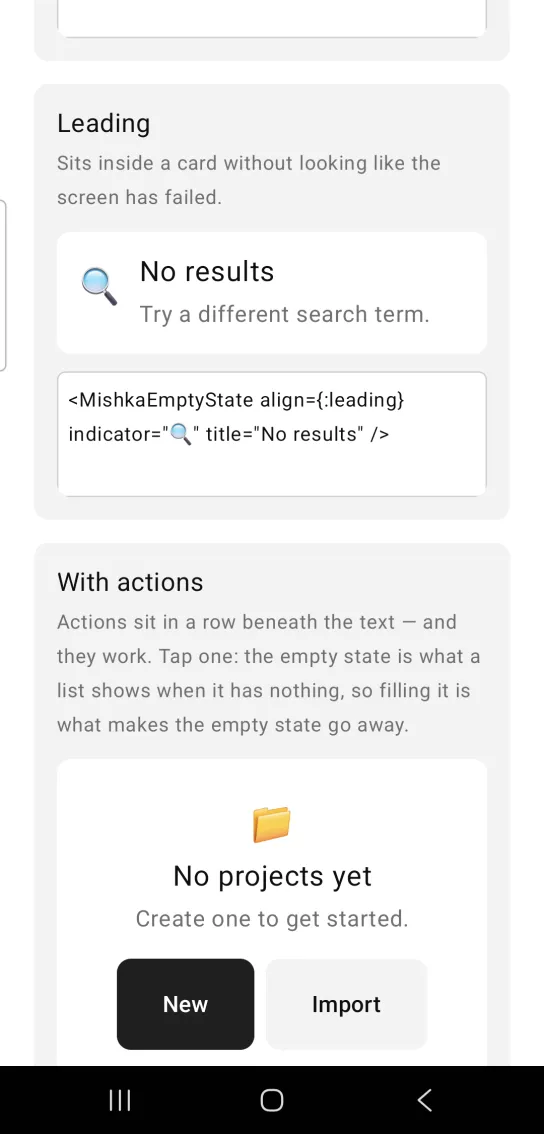
<MishkaEmptyState align={:leading} indicator="🔍" title="No results" />Empty state with actions
Put buttons inside <MishkaEmptyStateActions> and the component lays them out in a row beneath the text, with gaps between them. In this example, tapping New adds a project and Import adds two. Either fills the list, which replaces the empty state.
The buttons are yours, so their handlers are ordinary handle_info/2 clauses. An empty state carries no events of its own.
Empty state with actions
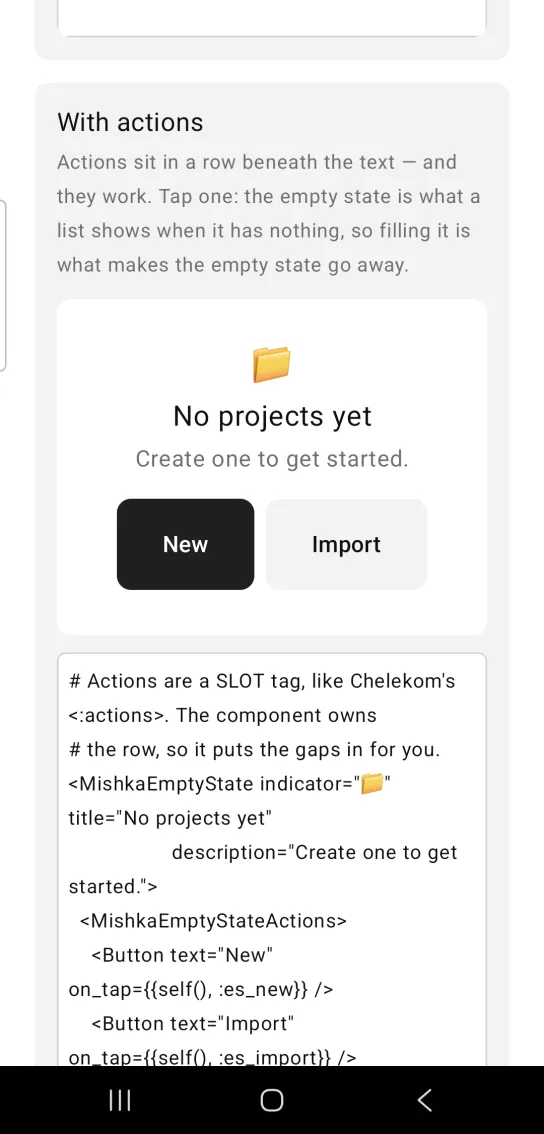
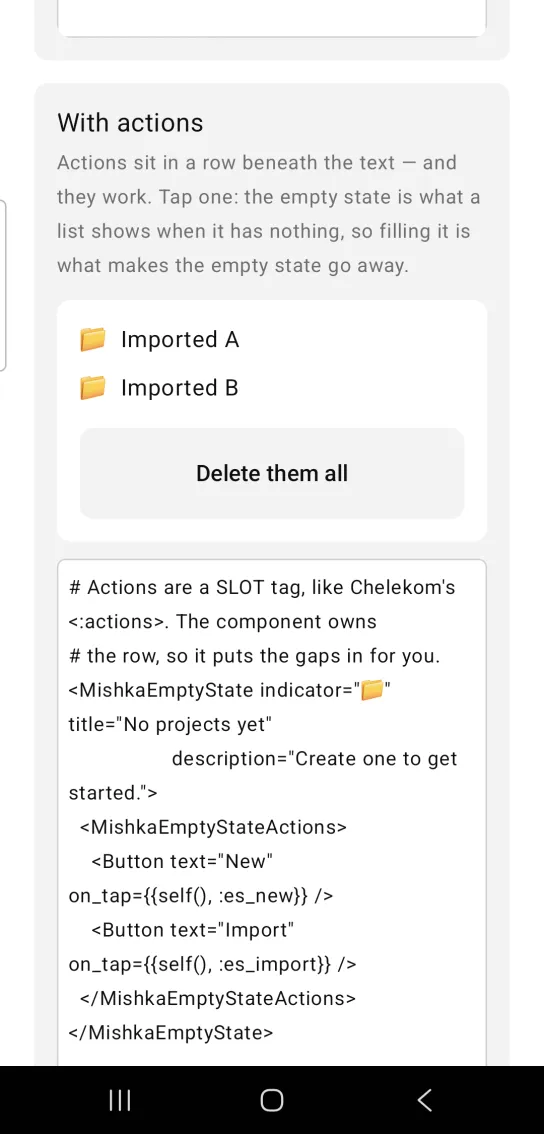
Left: the example as it loads. Right: after a tap. Filling the list is what makes the empty state go away.
# Actions are a SLOT tag, like Chelekom's <:actions>. The component owns
# the row, so it puts the gaps in for you.
<MishkaEmptyState indicator="📁" title="No projects yet"
                  description="Create one to get started.">
  <MishkaEmptyStateActions>
    <Button text="New" on_tap={{self(), :es_new}} />
    <Button text="Import" on_tap={{self(), :es_import}} />
  </MishkaEmptyStateActions>
</MishkaEmptyState>

# The buttons are yours, so the handlers are the ordinary ones. An empty
# state carries no events of its own.
def handle_info({:tap, :es_new}, socket) do
  {:noreply, Mob.Socket.assign(socket, :projects, ["Untitled" | socket.assigns.projects])}
end

def handle_info(_msg, socket), do: {:noreply, socket}Text-only empty state
Every part is optional. With only a title, the component draws that one line.
Text-only empty state
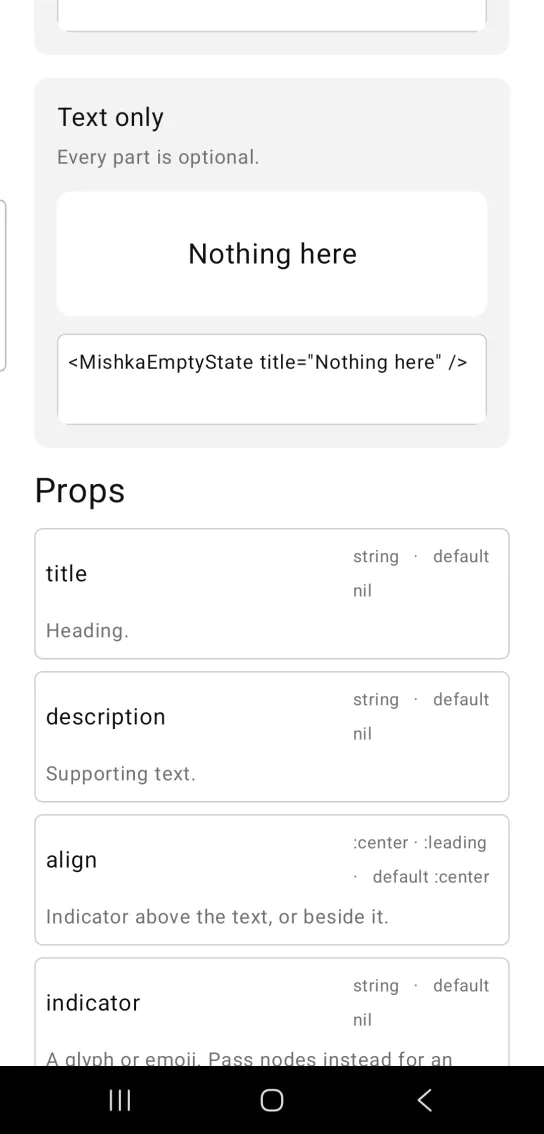
<MishkaEmptyState title="Nothing here" />Props
| Prop | Type | Default | Description |
|---|---|---|---|
title | string | nil | Heading. |
description | string | nil | Supporting text. |
align | :center or :leading | :center | Indicator above the text, or beside it. |
indicator | string | nil | A glyph or emoji. For an illustration, use the indicator slot. |
padding | spacing token or number | :space_xl | Padding around the block in the centered layout. |
actions | list of nodes | [] | A row beneath the text. Prefer the <MishkaEmptyStateActions> slot. |
<MishkaEmptyStateIndicator> | slot | None | An illustration in place of the indicator glyph. |
<MishkaEmptyStateActions> | slot | None | Buttons beneath the text. The component spaces them. |
Differences from the web component
- The
idand*_classattributes are not ported.
Attributes
| Name | Type | Default | Values | Required | Description |
|---|---|---|---|---|---|
title
|
string
| — | — | No | Heading. |
description
|
string
| — | — | No | Supporting text. |
align
|
:center :leading
|
:center
| — | No | Indicator above the text, or beside it. |
indicator
|
string
| — | — | No | A glyph or emoji shown above/beside the text. |
padding
|
spacing token / number
|
:space_xl
| — | No | Padding around the block. |
Options
Each option takes one or more of its values, separated by commas.
| Option | Values |
|---|---|
--type
|
empty_state
|
--module
| A module name of your own |
What it generates
mix mishka.ui.gen.mob empty_state