Context menu
v0.0.10
mix mishka.ui.gen.mob context_menu
The Mob Context Menu in Mishka Chelekom opens the actions for one row or object on iOS and Android screens built with Mob. A user holds the object to open it, which is the touch version of a right-click. It is the native port of the headless Context Menu.
Hold a row to open its context menu
Press and hold a row to open its actions, the way the web opens them on right-click. trigger/3 wraps the row. A long press sends {:tap, {tag, id}}, so one clause serves a whole list of rows.
The menu gets for_label so it names the file the actions apply to. Each row also has a ⋯ button that opens the same menu.
Hold a row to open its context menu
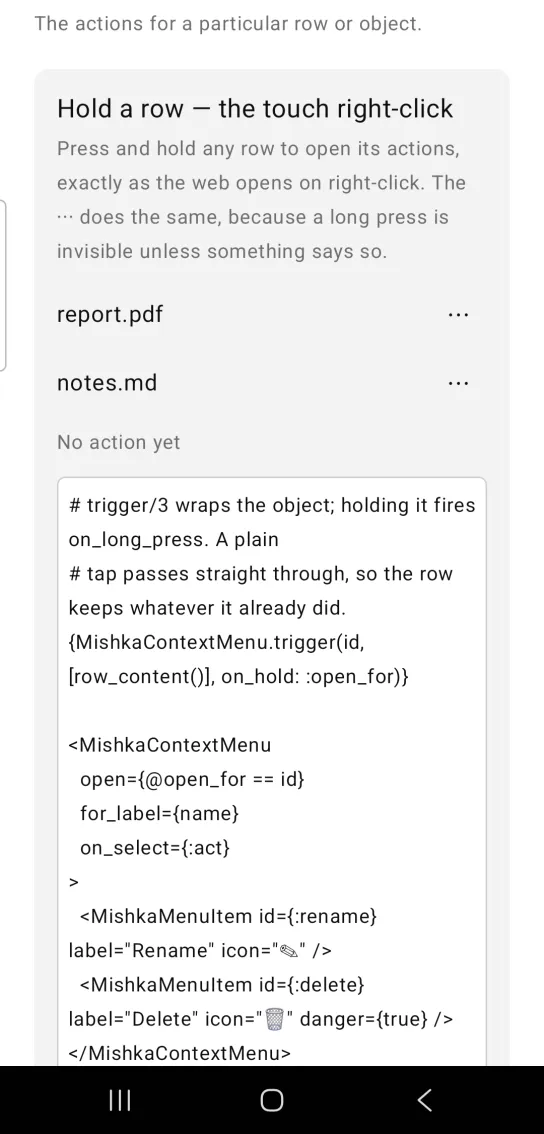
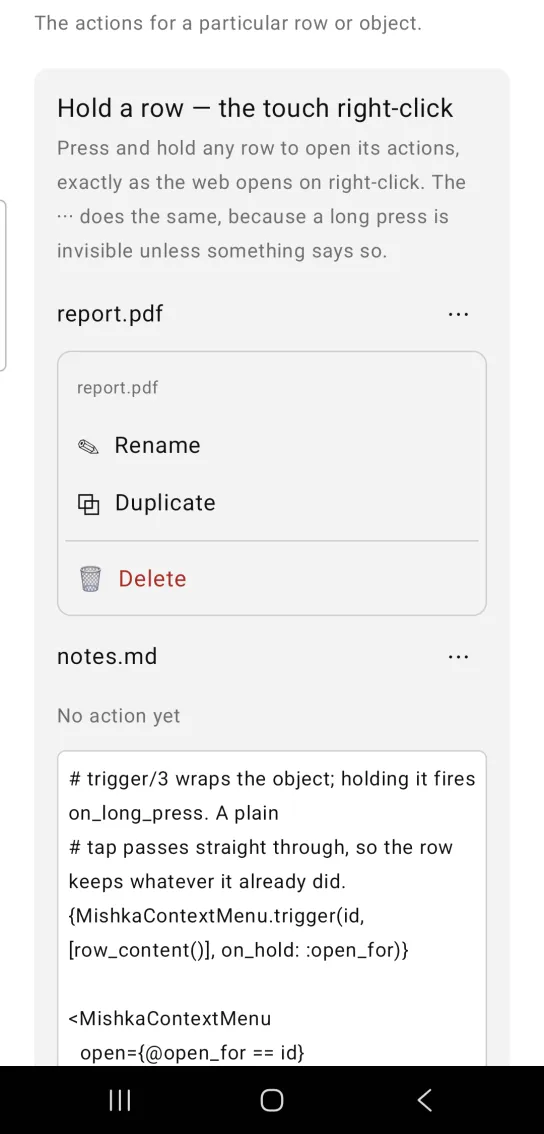
Left: the example as it loads. Right: after a long press. Hold a row to open its actions.
# trigger/3 wraps the object; holding it fires on_long_press. A plain
# tap passes straight through, so the row keeps whatever it already did.
{MishkaContextMenu.trigger(id, [row_content()], on_hold: :open_for)}

<MishkaContextMenu
  open={@open_for == id}
  for_label={name}
  on_select={:act}
>
  <MishkaMenuItem id={:rename} label="Rename" icon="✎" />
  <MishkaMenuItem id={:delete} label="Delete" icon="🗑" danger={true} />
</MishkaContextMenu>

def handle_info({:tap, {:open_for, id}}, socket) do
  {:noreply, assign(socket, :open_for, id)}
end
Context menu without a subject
Leave out for_label and the Context Menu is exactly a Menu: the actions without a heading. The rows come in as children, either as tags or as a list of nodes like {items} below.
Context menu without a subject
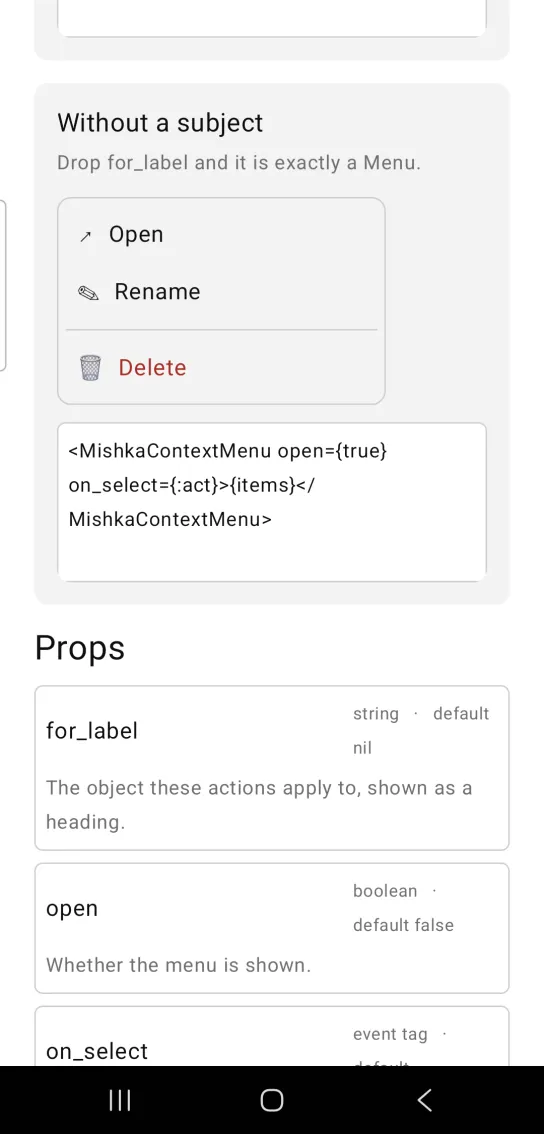
<MishkaContextMenu open={true} on_select={:act}>{items}</MishkaContextMenu>Props
| Prop | Type | Default | Description |
|---|---|---|---|
for_label | string | nil | The object these actions apply to, shown as a heading above the actions. |
open | boolean | false | Whether the menu is shown. |
on_select | event tag | none | Sent as {:tap, {tag, item_id}}. |
| everything else | see Menu | none | The Context Menu renders through the Menu, so it accepts width, danger_color, the panel props and the row tags. |
trigger/3
trigger(id, children, opts) wraps the object the actions belong to. The options are :on_hold, an event tag, and :test_id, a string that becomes the wrapper's native test tag. Holding the wrapper sends {:tap, {tag, id}}.
Events
Two messages reach your screen in handle_info/2. A long press on the trigger sends {:tap, {tag, id}} with the tag you set in on_hold and the id you gave trigger/3. A tap on an enabled row sends {:tap, {tag, item_id}} with the tag you set in on_select.
def handle_info({:tap, {:open_for, id}}, socket) do
  {:noreply, Mob.Socket.assign(socket, :open_for, id)}
end

def handle_info({:tap, {:act, action}}, socket) do
  socket =
    socket
    |> Mob.Socket.assign(:last, action)
    |> Mob.Socket.assign(:open_for, nil)

  {:noreply, socket}
end
Differences from the web component
The Mob Context Menu does not port these parts of the headless Context Menu:
- Placement at the pointer. A touch has no cursor to open at, and a phone has no room for a menu pinned to a coordinate.
- The web component's
idand*_classattributes.
Attributes
| Name | Type | Default | Values | Required | Description |
|---|---|---|---|---|---|
for_label
|
string
| — | — | No | The object these actions apply to, shown as a heading. |
Options
Each option takes one or more of its values, separated by commas.
| Option | Values |
|---|---|
--type
|
context_menu
|
--module
| A module name of your own |
What it generates
mix mishka.ui.gen.mob context_menu