Highlight
v0.0.10
The Mishka Chelekom Mob Highlight component marks matching substrings in text on iOS and Android, as in search results. It is the native port of the headless Highlight and runs on Mob.
Overview of the Mob Highlight component for iOS and Android
Highlight is a pure Elixir Mob composite. You write it as a <MishkaHighlight> tag with the full text and one or more highlight queries. It splits the text on the queries and renders the pieces in a Row. Plain runs are Text nodes, and matched runs go through Mob Mark.
Matching works like the web component. You can pass several queries, empty and nil queries are ignored, and a matched run renders with the casing it has in the text, not the casing you typed. Matching ignores case unless you set case_sensitive={true}.
Highlight has no state and sends no events. To follow a query as it changes, pass the query from your assigns.
Mob's Text takes one string and exposes no span API, so a partly highlighted sentence is several nodes in a Row, and a Row does not wrap. That suits short strings such as a search result title or a filename. For a sentence, set wrap_at. It is a character budget per line, which the parts are packed into before rendering. You declare it because the component gets no layout size back at render time.
Breaks land after whitespace, so a wrapped line never begins with a space. A mark is never split across lines. A mark wider than the budget takes a line of its own. Leave wrap_at unset and you get a single Row.
One background applies to every match. For a line where each match has its own color, such as an Error in red beside a Success in green, compose Mob Mark and Text directly.
Generate the highlight component
Run this from your Mob app's root to add the component to lib/<app>/components/:
mix mishka.ui.gen.mob highlightThe generator registers the tag, so you can use it in ~MOB markup. Highlight builds its marked runs from Mark, so the generator also generates mark, with the same prefixes. The examples on this page use the mishka_ prefix of the showcase app (--module-prefix mishka_), so the tag is <MishkaHighlight>. Without a prefix, the tag is <Highlight>.
Every occurrence, whatever its casing
One query marks all three occurrences. Each one renders with the casing it has in the text, not the casing you searched for. Here wrap_at={34} wraps the sentence at 34 characters per line.
Every occurrence, whatever its casing
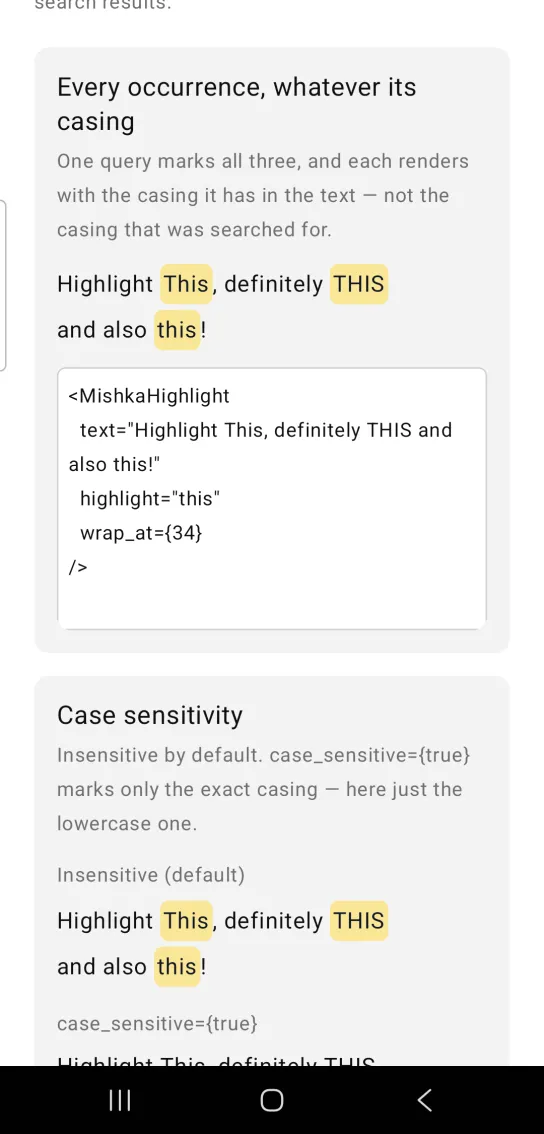
<MishkaHighlight
  text="Highlight This, definitely THIS and also this!"
  highlight="this"
  wrap_at={34}
/>
Case sensitivity in highlight
Matching ignores case by default. Set case_sensitive={true} to mark only the exact casing, which here is just the lowercase this.
Case sensitivity in highlight
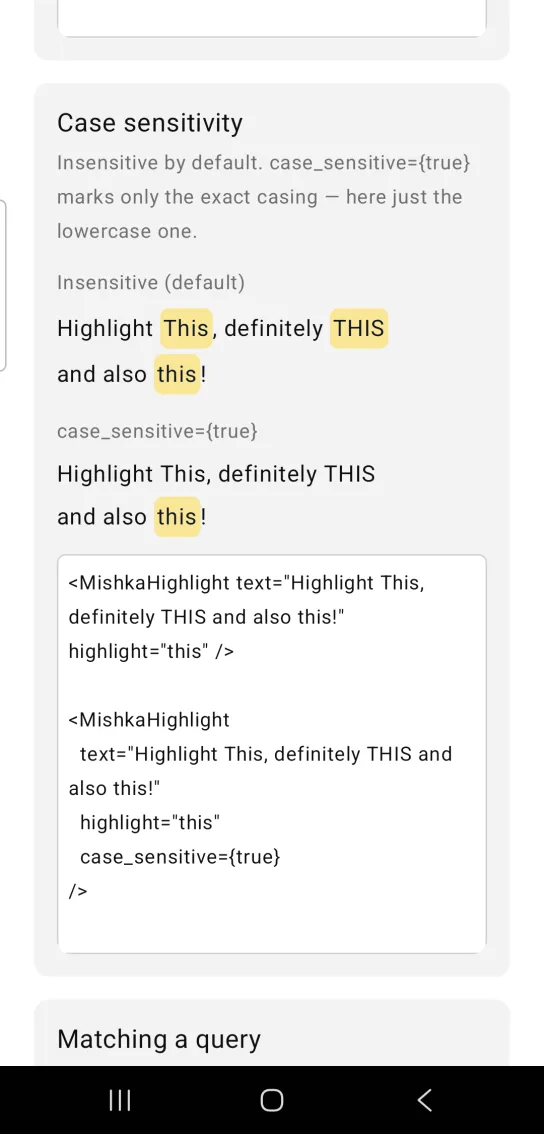
<MishkaHighlight text="Highlight This, definitely THIS and also this!" highlight="this" />

<MishkaHighlight
  text="Highlight This, definitely THIS and also this!"
  highlight="this"
  case_sensitive={true}
/>
Highlight that follows a query
Pass the query from your assigns and the marks follow it. In the showcase, four buttons (che, beam, nativ and o) change the query when you tap them.
Highlight that follows a query
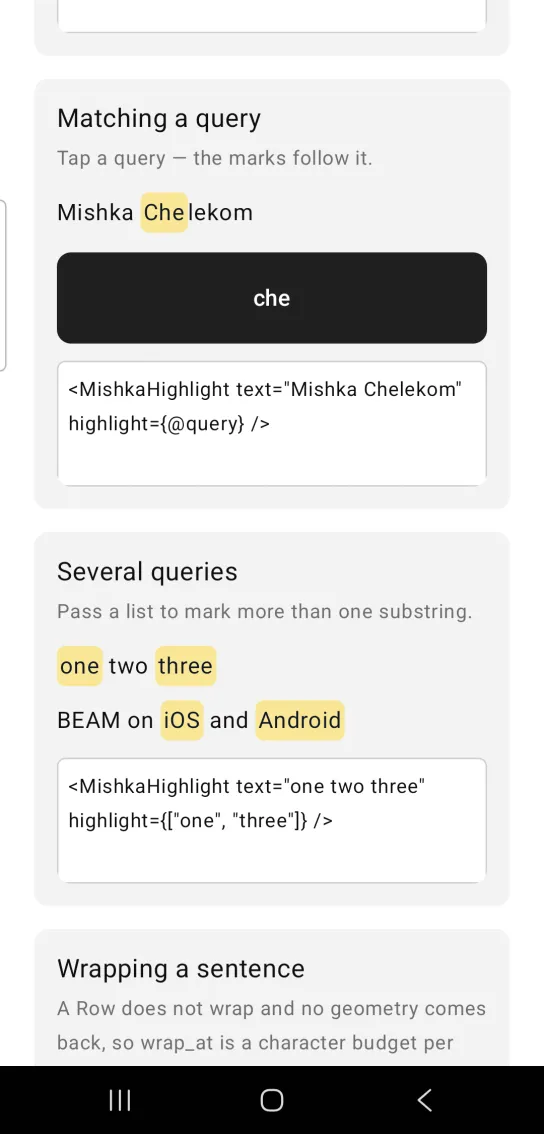
<MishkaHighlight text="Mishka Chelekom" highlight={@query} />Highlight with several queries
Pass a list to mark more than one substring.
Highlight with several queries
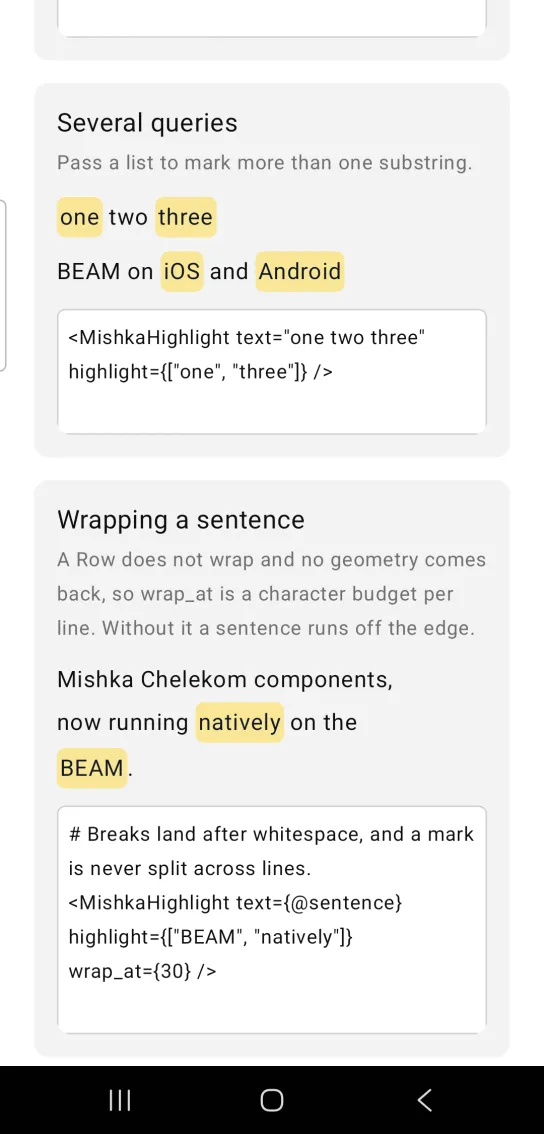
<MishkaHighlight text="one two three" highlight={["one", "three"]} />Wrapping a highlighted sentence
A Row does not wrap, so wrap_at sets a character budget per line. Without it, a long sentence runs off the edge of the screen. Breaks land after whitespace, and a mark is never split across lines.
Wrapping a highlighted sentence
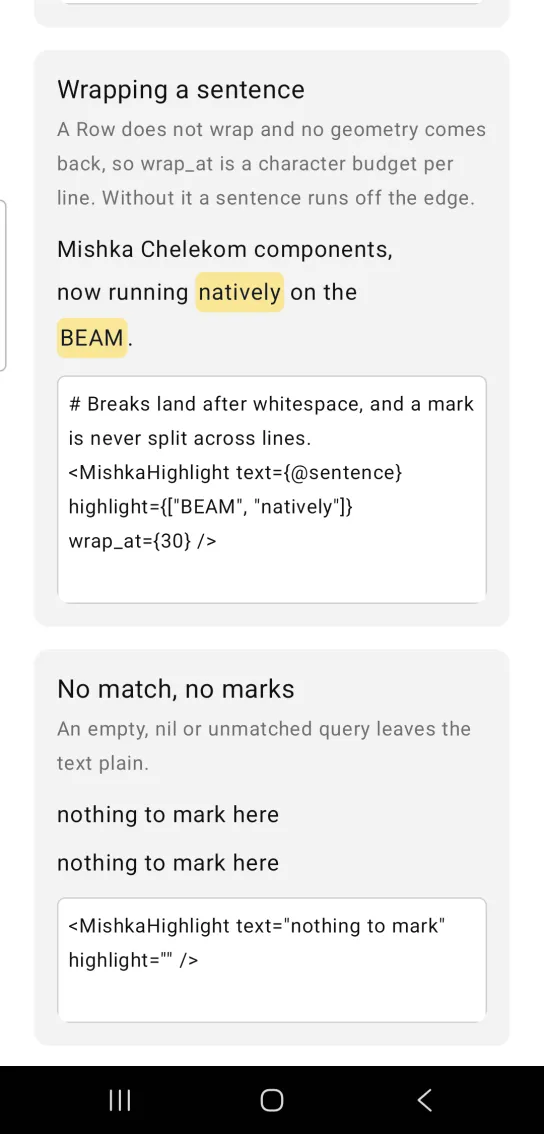
# Breaks land after whitespace, and a mark is never split across lines.
<MishkaHighlight text={@sentence} highlight={["BEAM", "natively"]} wrap_at={30} />
Highlight with no match
An empty, nil or unmatched query leaves the text plain.
Highlight with no match
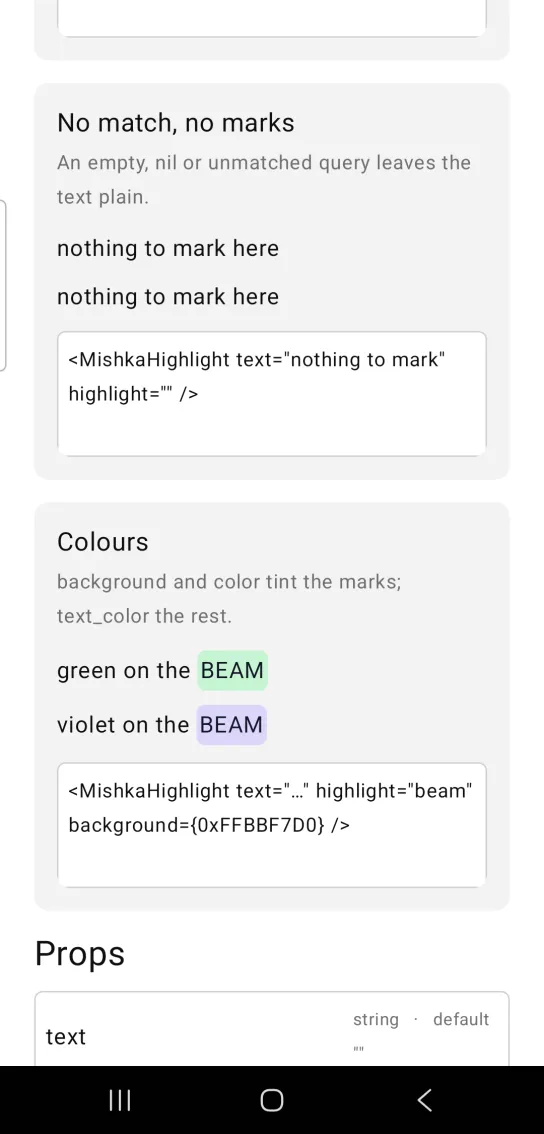
<MishkaHighlight text="nothing to mark" highlight="" />Highlight colors
background and color tint the marks. text_color colors the rest of the text.
Highlight colors
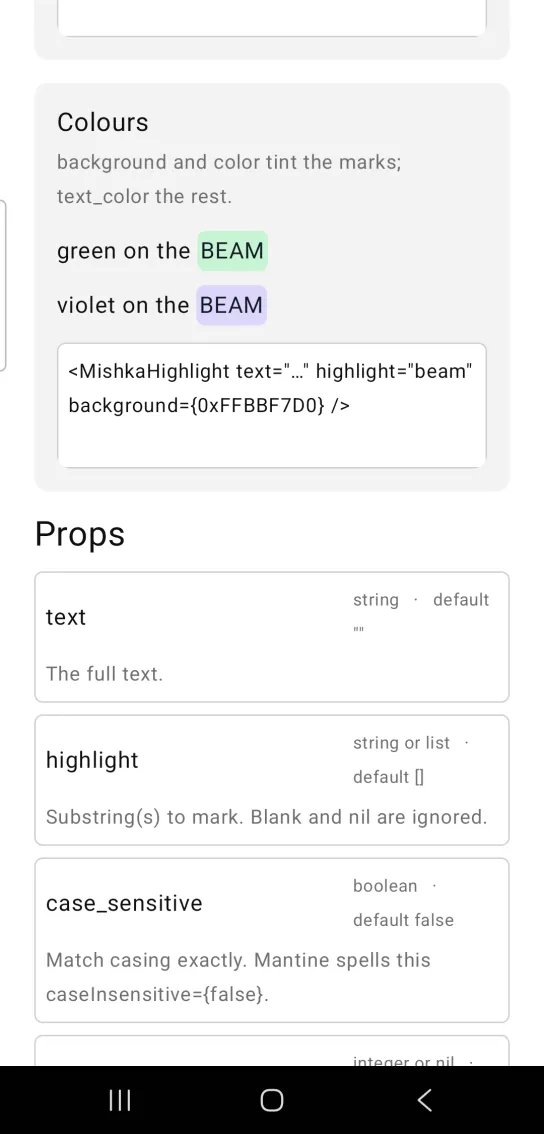
<MishkaHighlight text="…" highlight="beam" background={0xFFBBF7D0} />Props
Props of the <MishkaHighlight> tag.
| Prop | Type | Default | Description |
|---|---|---|---|
text | string | "" | The full text. |
highlight | string or list | [] | Substring or substrings to mark. Blank values and nil are ignored. |
case_sensitive | boolean | false | When true, matches casing exactly. |
wrap_at | integer or nil | nil | Characters per line. Unset renders one Row, which cannot wrap. |
line_space | number | 4 | Gap between wrapped lines. |
background | color / ARGB | The Mark amber, 0xFFFDE68A | Highlight fill. |
color | color / ARGB | The Mark ink, 0xFF111827 | Color of the marked text. |
text_color | color / ARGB | :on_surface | Color of the unmarked text. |
text_size | size token | :base | Size for both marked and unmarked text. |
Attributes
| Name | Type | Default | Values | Required | Description |
|---|---|---|---|---|---|
text
|
string
|
""
| — | No | The full text. |
highlight
|
string or list
|
[]
| — | No | Substring(s) to mark. |
case_sensitive
|
boolean
|
false
| — | No | Match casing exactly. |
wrap_at
|
integer or nil
| — | — | No | Characters per line; unset is one `Row`. |
line_space
|
number
|
4
| — | No | Gap between wrapped lines. |
background
|
color token / ARGB int
|
Mark's amber
| — | No | Highlight fill. |
color
|
color token / ARGB int
|
Mark's ink
| — | No | Marked text colour. |
text_color
|
color token / ARGB int
|
:on_surface
| — | No | Unmarked text colour. |
text_size
|
size token
|
:base
| — | No | Size for both. |
Options
Each option takes one or more of its values, separated by commas.
| Option | Values |
|---|---|
--type
|
highlight
|
--module
| A module name of your own |
What it generates
mix mishka.ui.gen.mob highlight