Avatar
v0.0.10
The Mishka Chelekom Mob Avatar shows a person or an account on iOS and Android as an image with a text fallback. It is the native port of the headless Avatar, built for Mob, which drives Jetpack Compose and SwiftUI from Elixir.
Overview of the Mob Avatar component for iOS and Android
MishkaAvatar draws a square that holds a fallback, usually your initials on a colored background. Set src to an image URL or an on-device file path and the avatar stacks the image on top of the fallback.
The initials show immediately, and the image covers them once it has loaded. The screen shows no empty space while the image downloads, and you wire no loading callback. Mob's Image fetches and caches the file, using Coil on Android and AsyncImage on iOS.
The avatar has no state and sends no events. Children replace initials as the fallback content, so you can place an icon or any other node inside it. MishkaAvatar.radius/2 returns the corner radius a shape resolves to at a given size. For example, MishkaAvatar.radius(:circle, 44) is 22.0.
Generate the avatar component
Run this from your Mob app's root to add the component to lib/<app>/components/:
mix mishka.ui.gen.mob avatarThe generator registers the component's tag, so you can use it in ~MOB markup. The examples on this page use the mishka_ prefix of the showcase app (--module-prefix mishka_), so the tag is <MishkaAvatar>. Without a prefix the tag is <Avatar>.
Avatar with initials
With no src, the fallback is the whole avatar. This one draws the initials SH on the default :surface_raised background. The card in the screenshot also shows two more avatars with their own background and color.
Avatar with initials
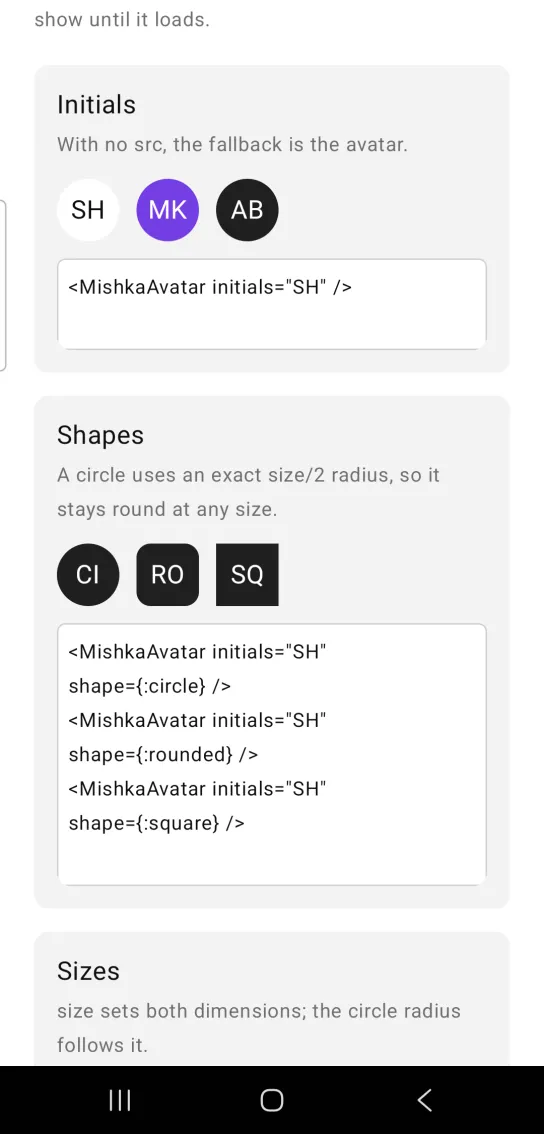
<MishkaAvatar initials="SH" />Avatar shapes
shape takes :circle, :rounded or :square. A circle uses a corner radius of exactly half of size, so it stays round at any size. :rounded uses a radius of 10, and :square has no rounding.
Avatar shapes
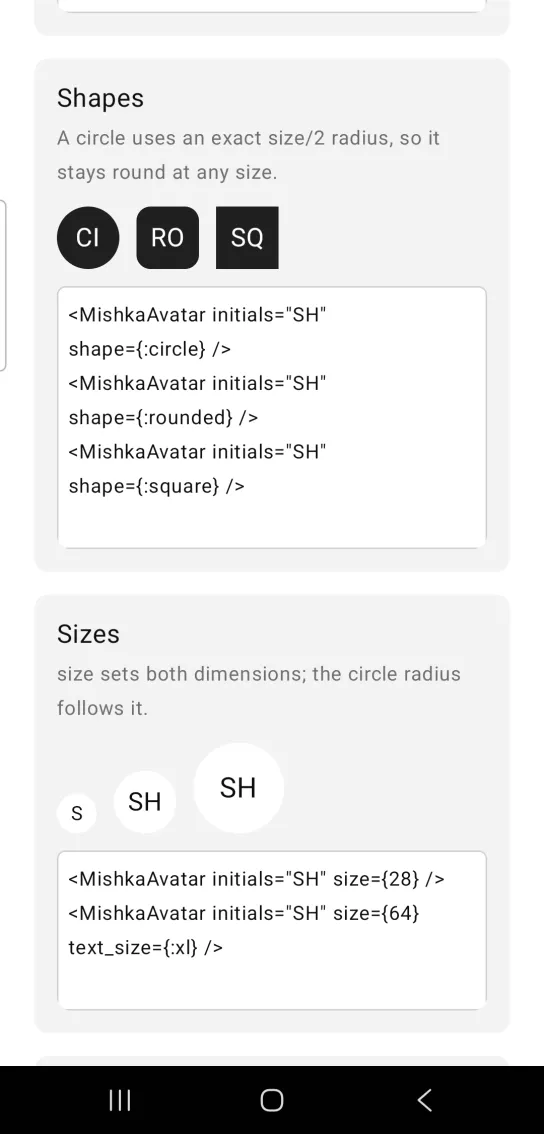
<MishkaAvatar initials="SH" shape={:circle} />
<MishkaAvatar initials="SH" shape={:rounded} />
<MishkaAvatar initials="SH" shape={:square} />
Avatar sizes
size sets both width and height, and the circle radius follows it. Use text_size to scale the initials with a larger avatar.
Avatar sizes
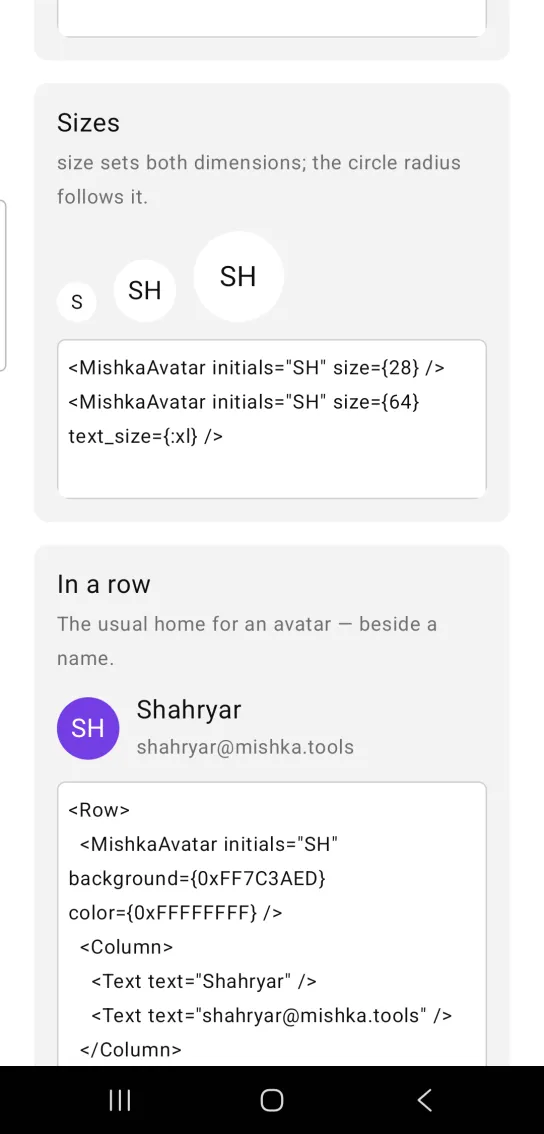
<MishkaAvatar initials="SH" size={28} />
<MishkaAvatar initials="SH" size={64} text_size={:xl} />
Avatar in a row
An avatar usually sits beside a name. This row puts a violet avatar next to a Column that holds a name and an email address. Both avatar colors are ARGB integers.
Avatar in a row
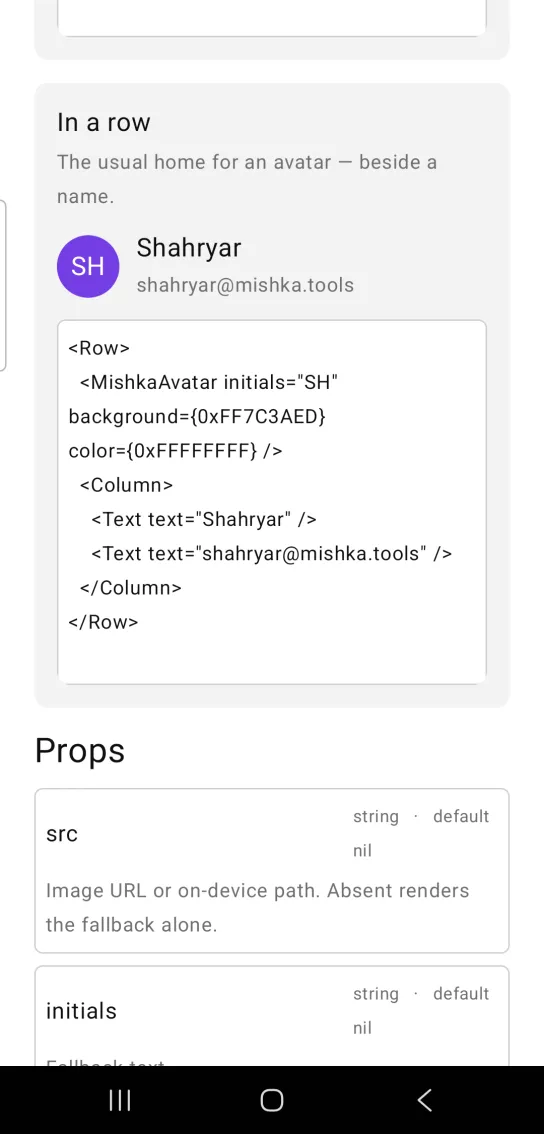
<Row>
  <MishkaAvatar initials="SH" background={0xFF7C3AED} color={0xFFFFFFFF} />
  <Column>
    <Text text="Shahryar" />
    <Text text="[email protected]" />
  </Column>
</Row>
Props
| Prop | Type | Default | Description |
|---|---|---|---|
src | string | nil | An image URL (http:// or https://) or an on-device file path. Without it, the avatar draws the fallback alone. |
initials | string | nil | The fallback text. |
size | number | 44 | Width and height. An avatar is always square. |
shape | :circle, :rounded or :square | :circle | The corner shape. A circle uses a radius of exactly size / 2, so it stays round at any size. |
background | color token or ARGB integer | :surface_raised | Fallback background. |
color | color token or ARGB integer | :on_surface | Initials color. |
text_size | size token | :lg | Initials size. |
id | string | None | A native test tag. An avatar that shows only an image has no text, so the tag is the only handle a device test has on it. |
Children replace initials as the fallback content.
Differences from the web component
These attributes of the web component are not ported:
delayandon_loading_status_change. They manage the swap from fallback to image in the browser. The native avatar stacks the image over the fallback instead.alt. A Mob image has no screen reader text.widthandheight. An avatar is square, so usesize.referrer_policy,crossoriginand the*_classattributes.
Attributes
| Name | Type | Default | Values | Required | Description |
|---|---|---|---|---|---|
src
|
string
| — | — | No | Image URL (`http(s)://…`) or on-device file path. Absent renders the fallback alone. |
initials
|
string
| — | — | No | Fallback text. |
size
|
number
|
44
| — | No | Width and height — an avatar is square. |
shape
|
:circle :rounded :square
|
:circle
| — | No | `:circle` uses an exact `size / 2` radius rather than a token, so it stays a circle at any size. |
background
|
color token / ARGB int
|
:surface_raised
| — | No | Fallback background. |
color
|
color token / ARGB int
|
:on_surface
| — | No | Initials colour. |
text_size
|
size token
|
:lg
| — | No | Initials size. |
id
|
string
| — | — | No | A native testTag. An image-only avatar has no text to find it by. |
Options
Each option takes one or more of its values, separated by commas.
| Option | Values |
|---|---|
--type
|
avatar
|
--module
| A module name of your own |
What it generates
mix mishka.ui.gen.mob avatar