Mishka CMS 0.0.2: Visual Editor Package and Faster Previews
What changed in the open source Phoenix LiveView CMS and why: the visual editor is now its own package, readers see when a page was updated, previews open at once, and the docs cover it all.

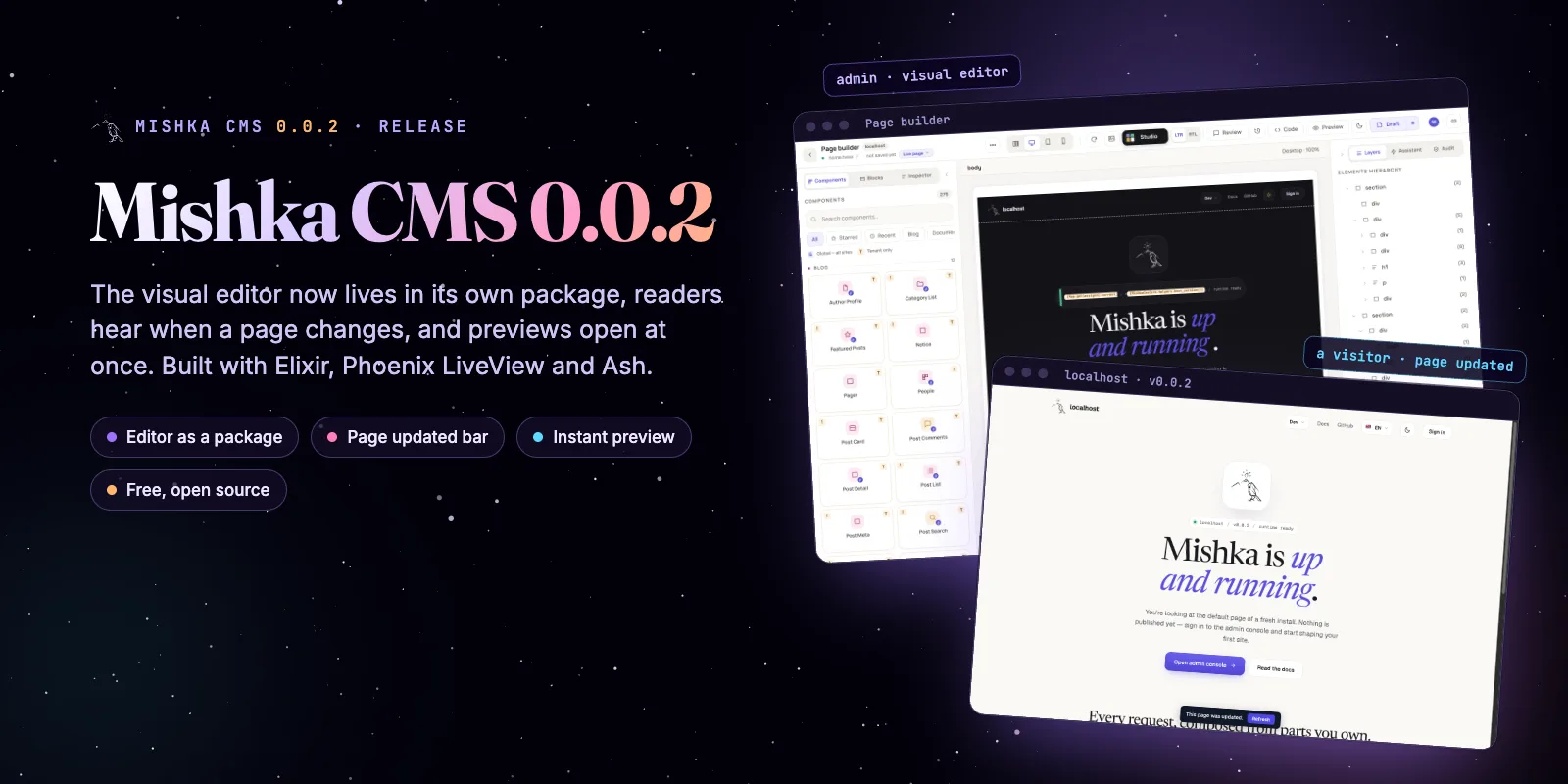
Mishka CMS 0.0.2 is out. It is the free, open source CMS we build with Elixir, Phoenix LiveView and Ash, and its biggest change is that the visual editor is now a package of its own, mishka_cms_builder. This post tells what changed and why.
Mishka CMS stays free. A founding seat pays for the time we spend on it and on its extensions, and it gives you lifetime access, priority support and every paid extension we release.
We told the first story in Introducing Mishka CMS: How We Built a Runtime CMS on Phoenix LiveView. This release is smaller, but it moves the ground under the editor, so we wrote it down.
You will read about a package split, a bar that tells readers a page changed, previews that open at once, and the docs we wrote for it all.
Mishka CMS releases. Once a month.
New Mishka CMS releases, Elixir and Phoenix patterns, and case studies from the team. No spam, unsubscribe anytime.
What is new in Mishka CMS 0.0.2
Mishka CMS 0.0.2 has one big change and a handful of fixes you will notice. Here they are in one place.
mishka_cms_builder, installed from Hex beside mishka_cms_core 0.0.4.phoenix_html, bandit and jose moved to fixed releases.Why the visual editor is its own package
We moved the visual editor out of mishka_cms_core into mishka_cms_builder, so the core no longer has to carry an editor that a project may not want. The core keeps pages, layouts, components, permissions and the admin. The editor (its pages, canvas, Studio, history, review notes and snippets) is a package you add.
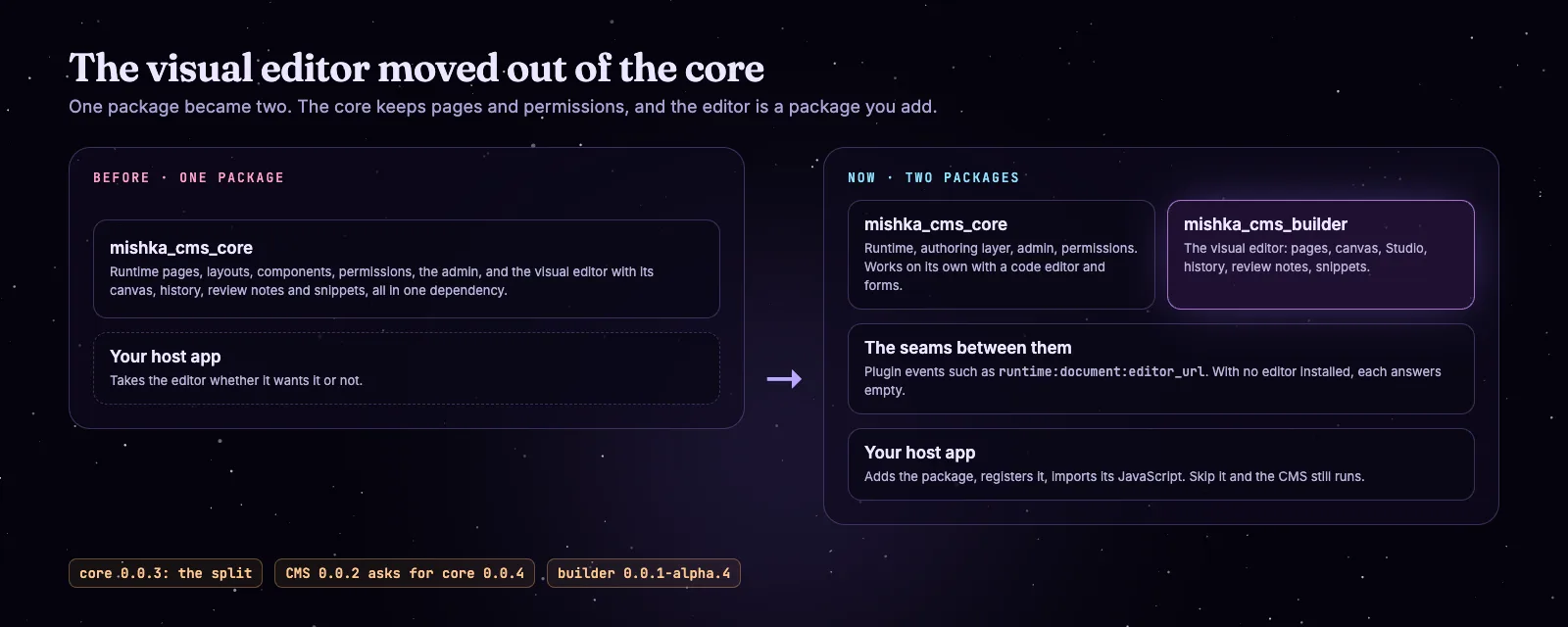
The editor left the core. The core works without it, and a host adds it as a package.
The two stay in touch through plugin events. The core asks "where is the editor for this page?" and the builder answers. With no editor installed the answer is empty, and the admin keeps its code editor and its forms.
The editor's tables, addresses and permissions did not change. A project cloned from the Mishka CMS repository already has it, so most people notice nothing.
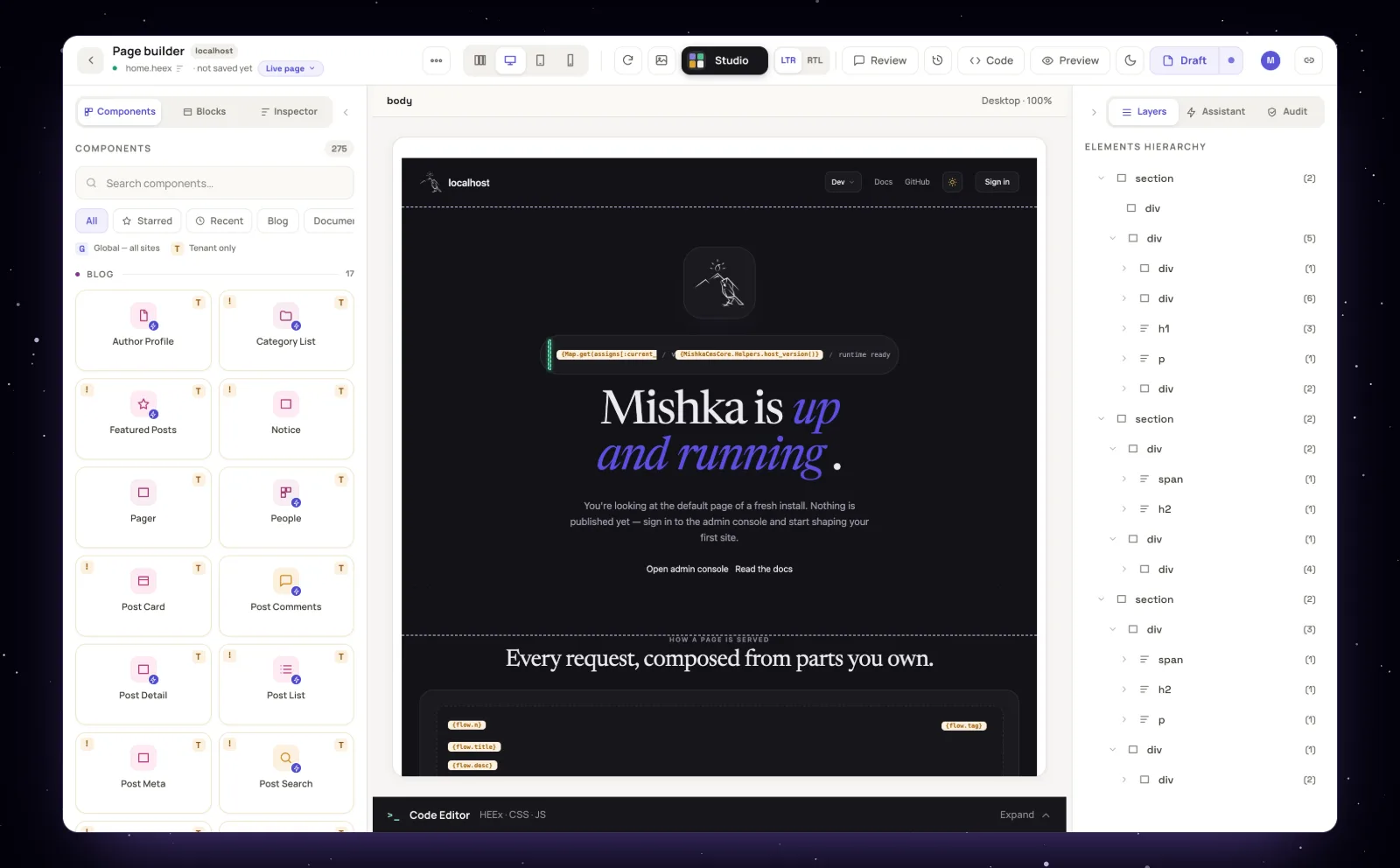
The visual editor on the Desktop canvas, now delivered by mishka_cms_builder.
A reader hears when a page changes
When an author rebuilds a layout or a component, a page that a reader has open now says so: "This page was updated", with a Refresh button. The reader decides when to reload.
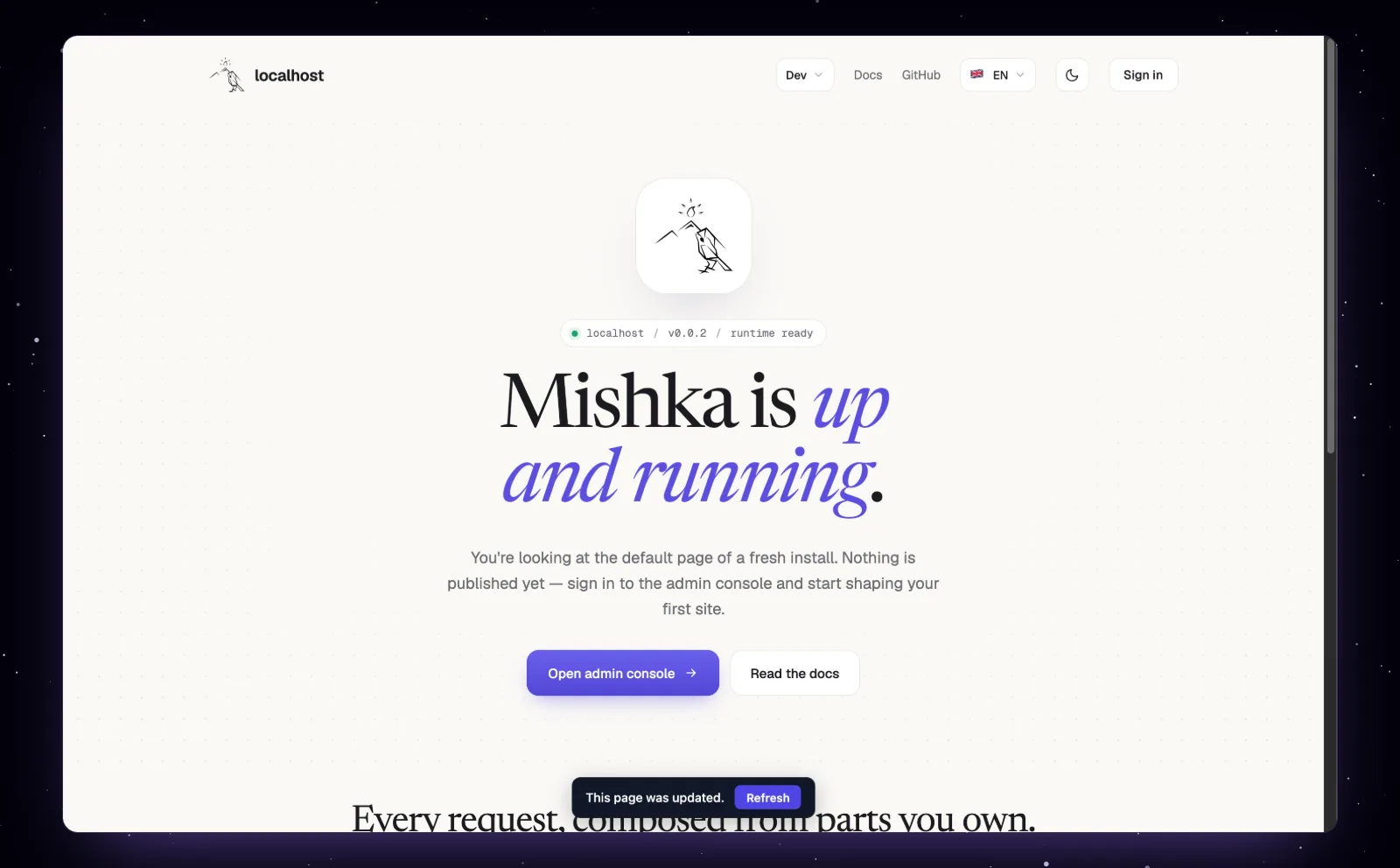
The bar a reader sees when the open page changed.
We added it because a published page is code the CMS compiles from rows in the database, and that code can change while someone is reading. The page How a page reaches visitors follows a page from publish to browser, and it says what an open tab does when something changes.
Previews open at once
A draft preview in a new tab opens immediately, under a "Building preview" overlay. The stylesheet is built from the draft as it is on every open, with its Custom CSS included, and the overlay hides itself when the stylesheet is ready.
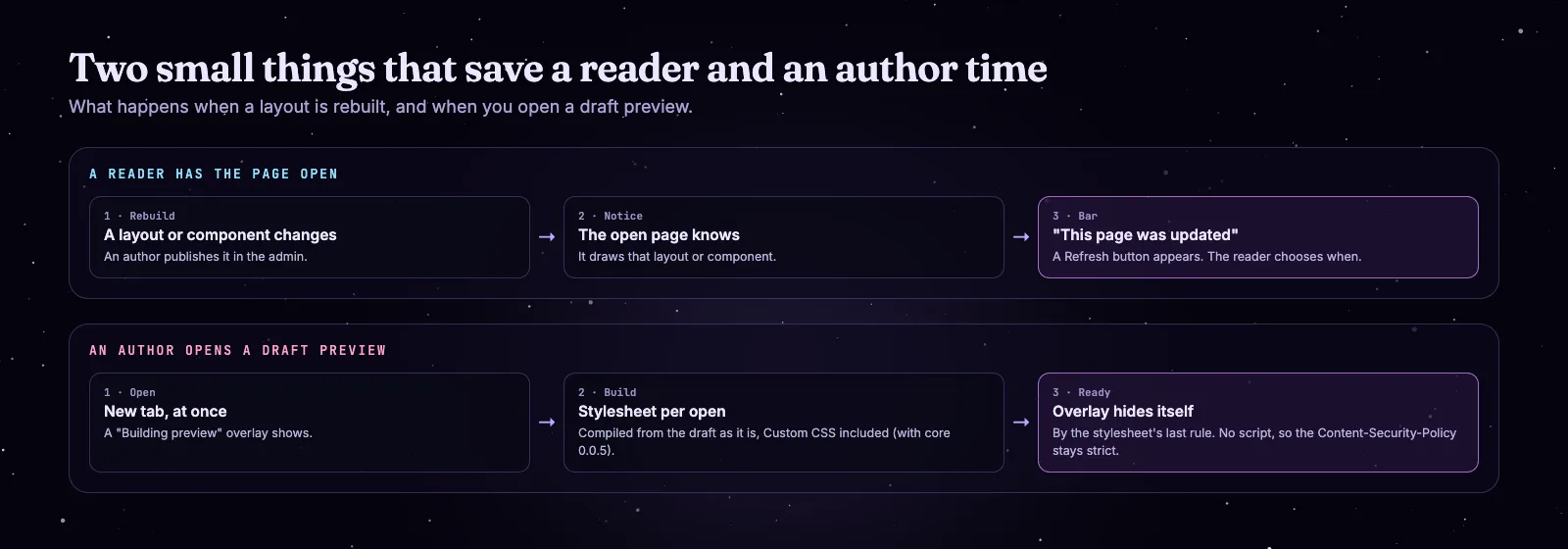
Two small flows: the reader's bar, and the author's preview.
No script does the hiding. The overlay goes away by the stylesheet's last rule, so the preview's Content-Security-Policy stays strict. The part that builds Custom CSS into the draft needs mishka_cms_core 0.0.5.
Pages with no layout, and redirects
A page with no layout is drawn bare: exactly the markup its author wrote, on the published page, in the preview and on the editor's canvas. If you want a width, wrap the content in a section such as max-w-4xl mx-auto.
Redirect rules also learned two things. A page rewritten by a rule is served at the address that was asked for, and a gone rule (410 or 404) draws the site's error page with its status.
Bring your own model to the Assistant
The editor has an Assistant panel where an author describes a change in words, and you connect your own model to it. We ship no model client. You write one Elixir module that implements MishkaCmsBuilder.AiBackend and name it in your config.
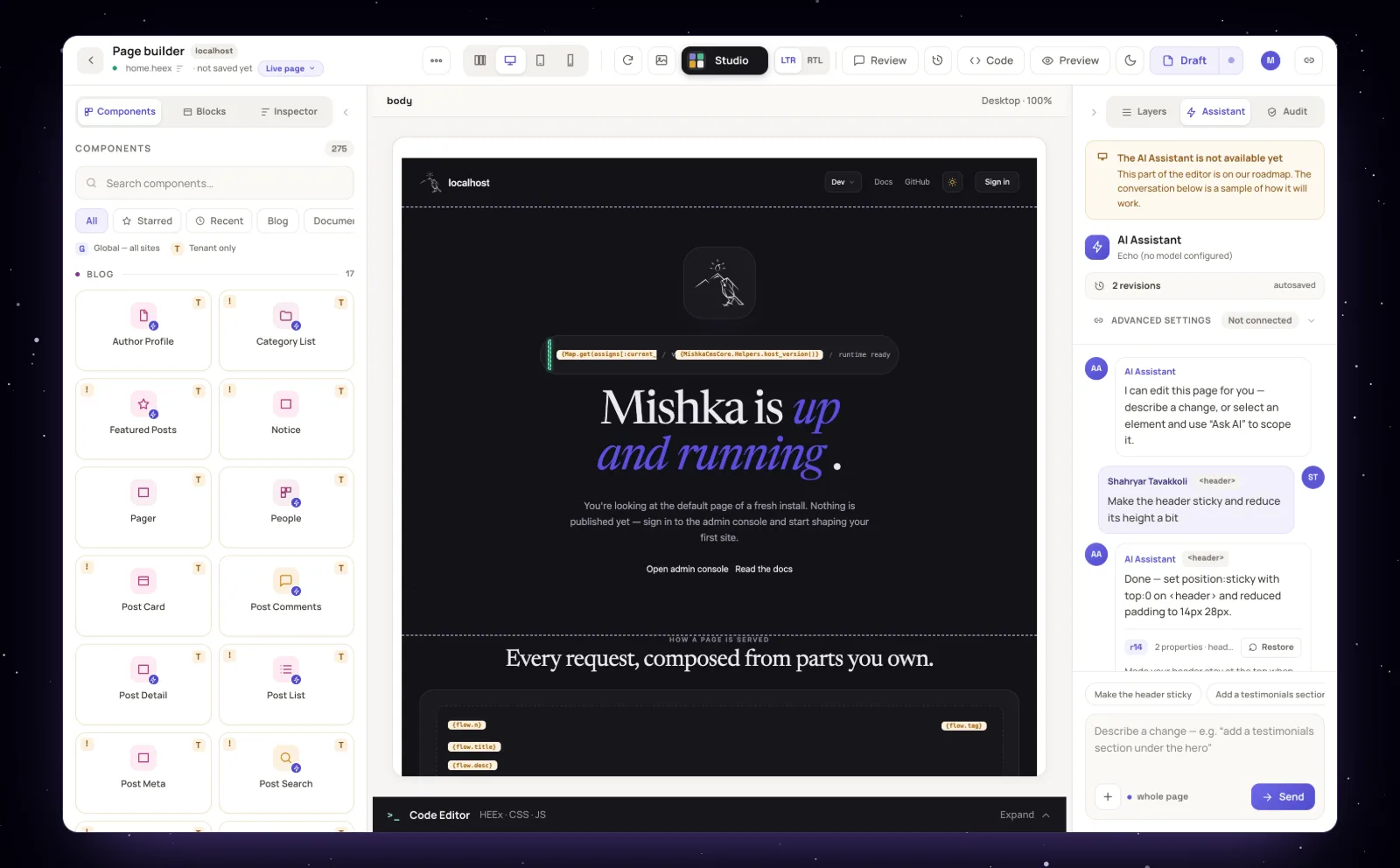
The Assistant panel. Connect your own model with one Elixir module.
The guide Connect a model to the editor's Assistant has the two callbacks and a complete example. Until you connect one, the panel says no model is configured.
Underneath: versions and safety
Most of the rest of the release is upkeep, and we think it matters. The release runs on newer Erlang and Elixir, and every dependency is at its latest version.
jose 1.11.13phoenix_html is 4.4.0 and bandit is 1.14.1, which fixes EEF-CVE-2026-116078. Dependencies are audited with hex.audit and deps.audit, and Dependabot runs weekly.
Every Mishka package is at its latest release too: Mishka Blog and Mishka Document 0.0.2, the four sign-in providers 0.0.2, Mishka Gervaz 0.0.3 and Mishka Installer 0.1.15. To try the release without installing anything, a demo image is published at ghcr.io/mishka-group/mishka_cms-demo:0.0.2.
The docs for 0.0.2
The Mishka CMS docs now carry a 0.0.2 version. These are the pages to start with.
The How-to guides page lists the rest: building a page, adding a form, sharing a draft, designing a layout, translating a page and redirecting an old address.
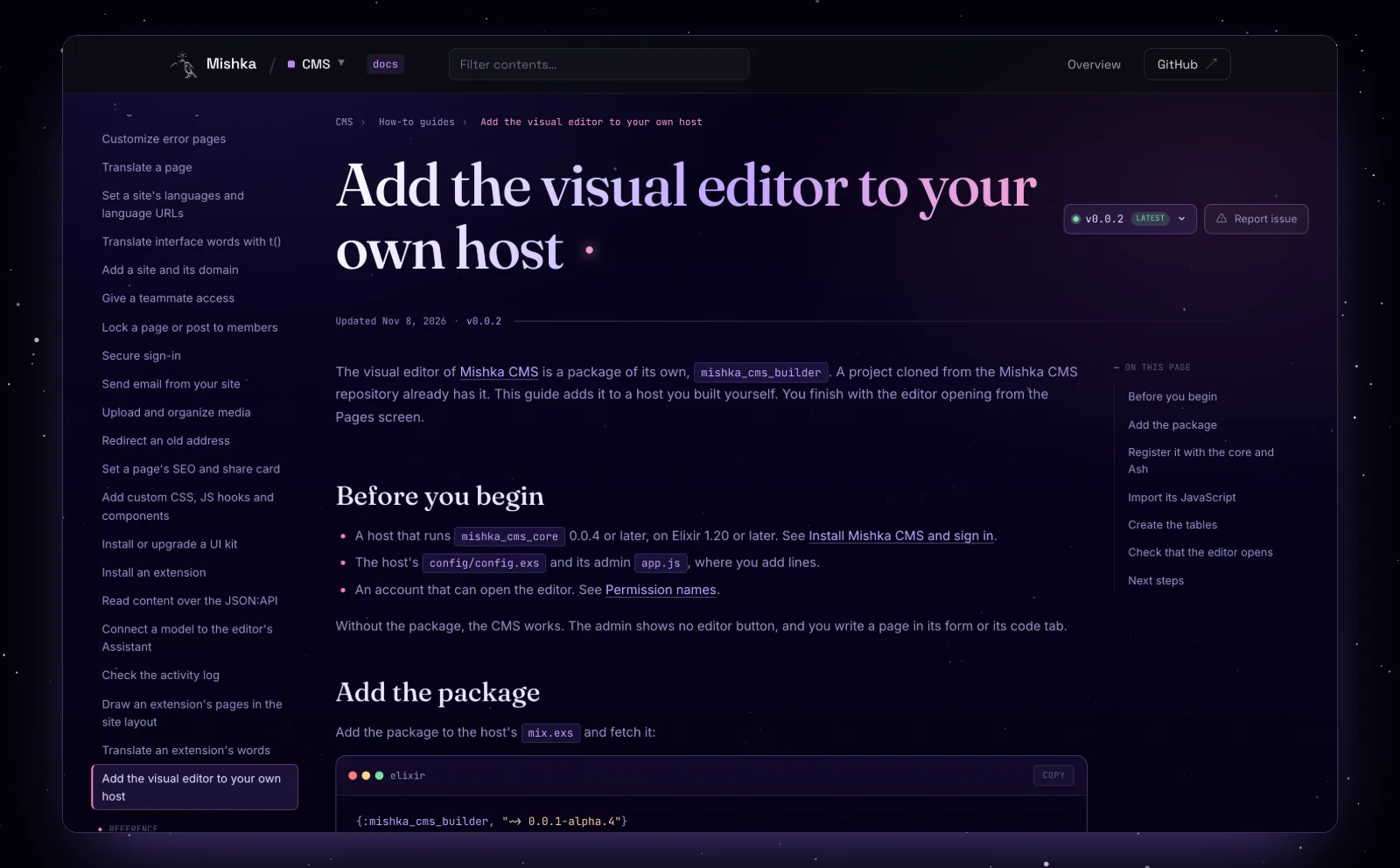
The guide for adding the editor to your own host, in the 0.0.2 docs.
The extensions that came along
Mishka Blog and Mishka Document are at 0.0.2 in this release. If you have not met them, read the Mishka Blog introduction and the Mishka Document introduction.
There is also a new extension, Mishka CMS Migration. It moves a WordPress site into a Mishka CMS site from the admin: posts, categories, tags, authors and comments go into Mishka Blog, and pages, menus and media come along. You run a dry run first, decide the few things the import cannot settle alone, and then import. Its documentation has the details.
Still young
Try Mishka CMS 0.0.2
Start with the Mishka CMS page and its documentation, or clone the repository. The extension pages are Mishka Blog and Mishka Document.
Mishka CMS is free, and a small team builds it. If you want to help us work on it full time, a founding seat gives you lifetime access, priority support and every paid extension we release.
You can also sponsor our open source work, or hire our team for a Phoenix LiveView project.
Mishka CMS releases. Once a month.
New Mishka CMS releases, Elixir and Phoenix patterns, and case studies from the team. No spam, unsubscribe anytime.
Questions people ask about Mishka CMS 0.0.2
Thank you
Mishka CMS stands on Elixir, Phoenix LiveView and Ash Framework, and on every package in its dependency list that we updated for this release. Thank you to everyone who builds them, and to you for reading this far.
Shahryar Tavakkoli writes about Elixir and Phoenix LiveView: Mishka Chelekom releases, GuardedStruct validation, static sites, service workers and SEO.